


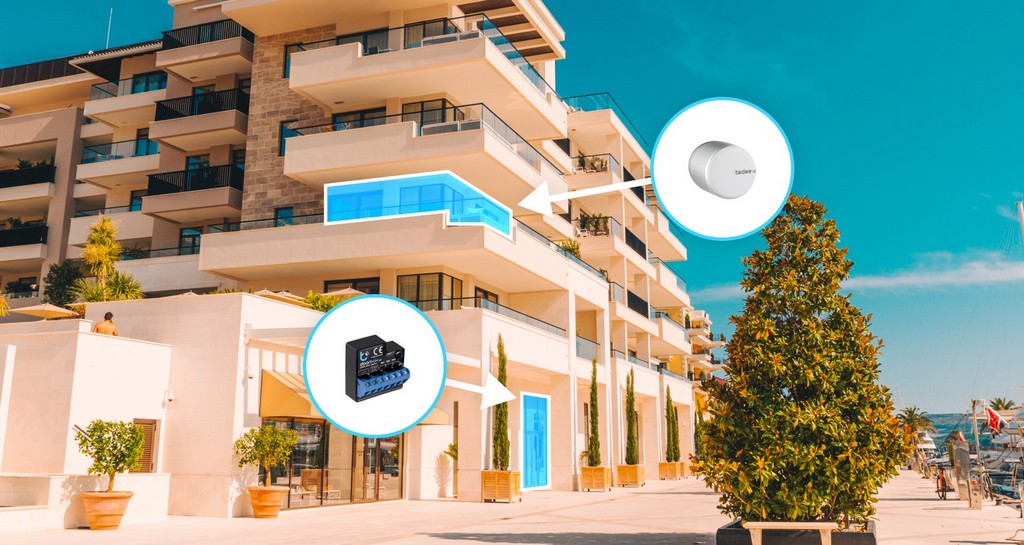
Description
Tedee Smart Relay Module – control doors and gates with your smartphone
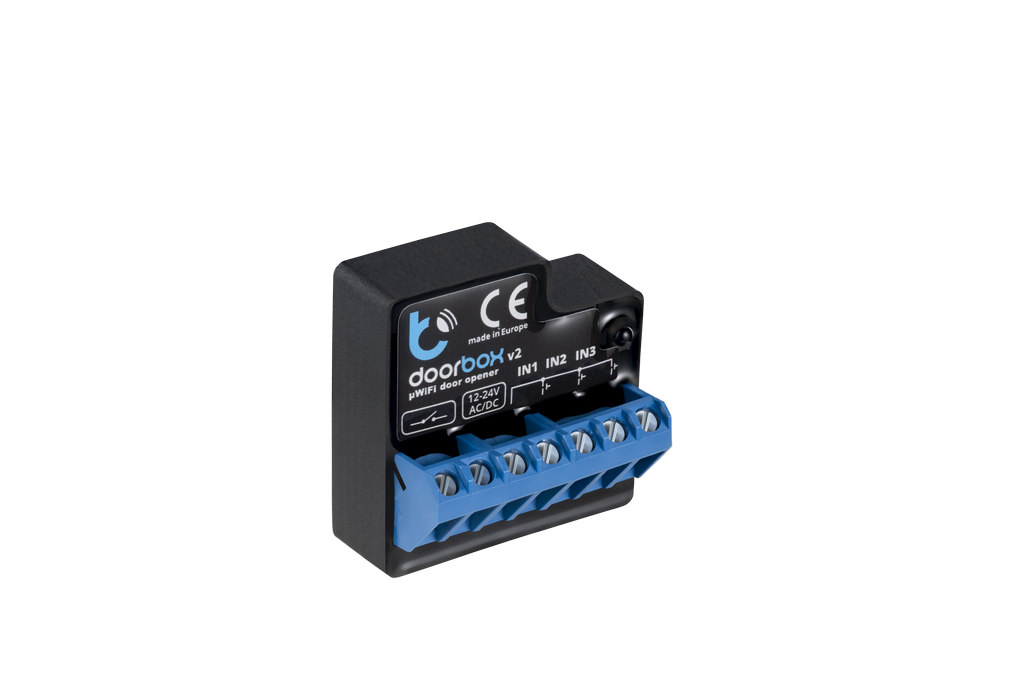
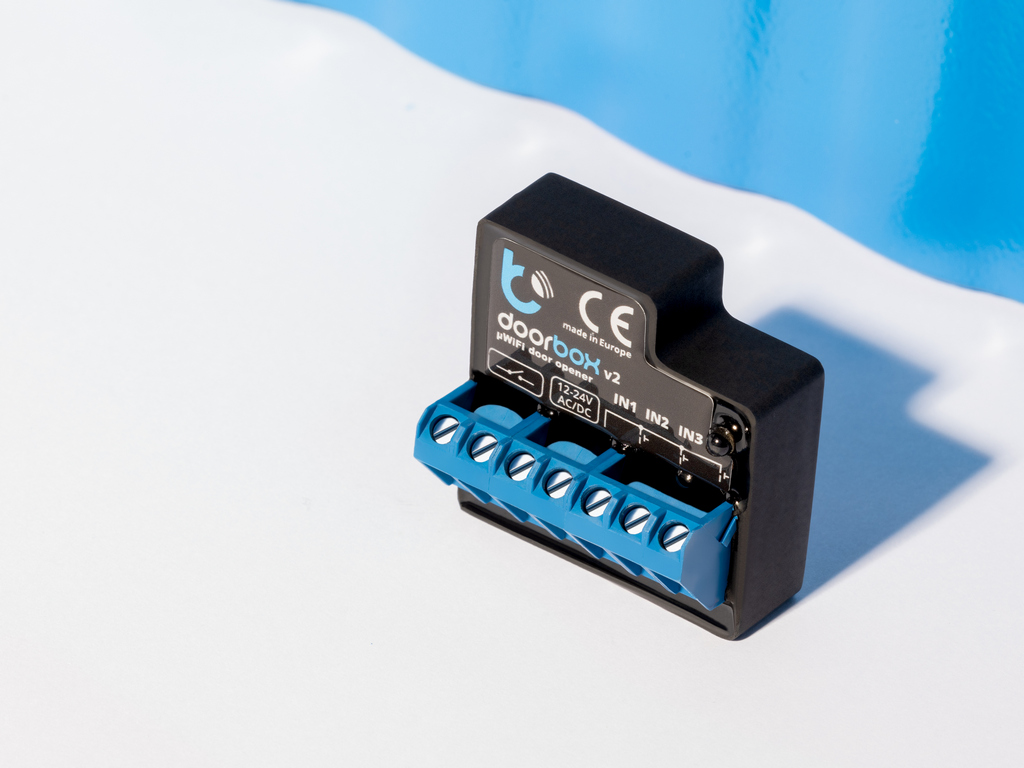
The Tedee Smart Relay Module is a smart relay module manufactured by BleBox, allowing you to add remote control via the Tedee app to existing electric doors, gates, and garage doors.
You no longer need to search for a remote to open the garage door or use a separate key or card for the apartment building’s main entrance. With a compatible control system, all these devices can be managed from a single app.
The module is suitable for private homes, apartment buildings, offices, and rental properties.
One app for controlling multiple entrances
With the Tedee relay module, you can control various electrically operated devices:
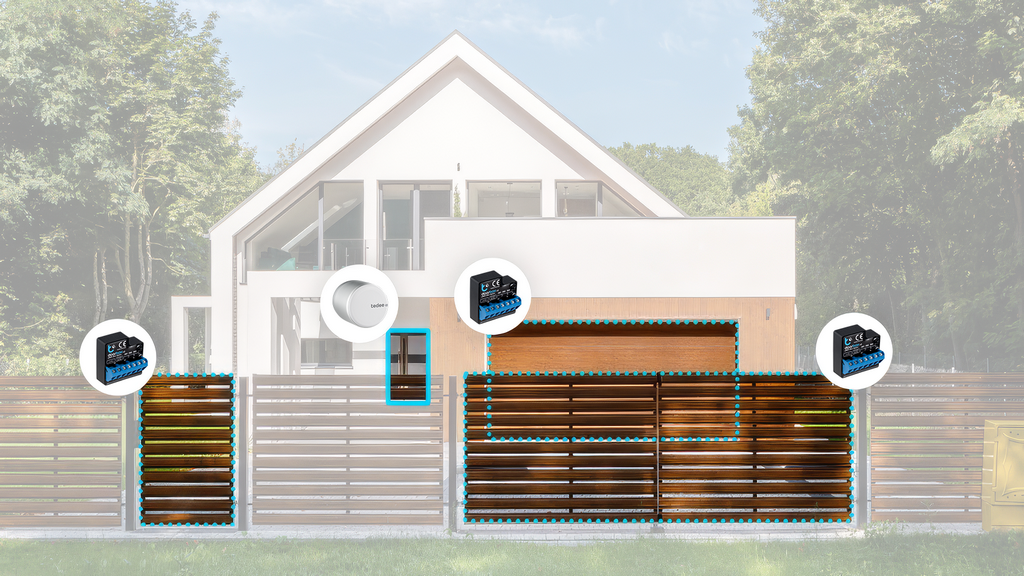
- Exterior doors – for example, an apartment building or office entrance equipped with an electric strike.
- Pedestrian gates – open the property gate directly from your phone.
- Vehicle gates – control electric sliding or swing gates.
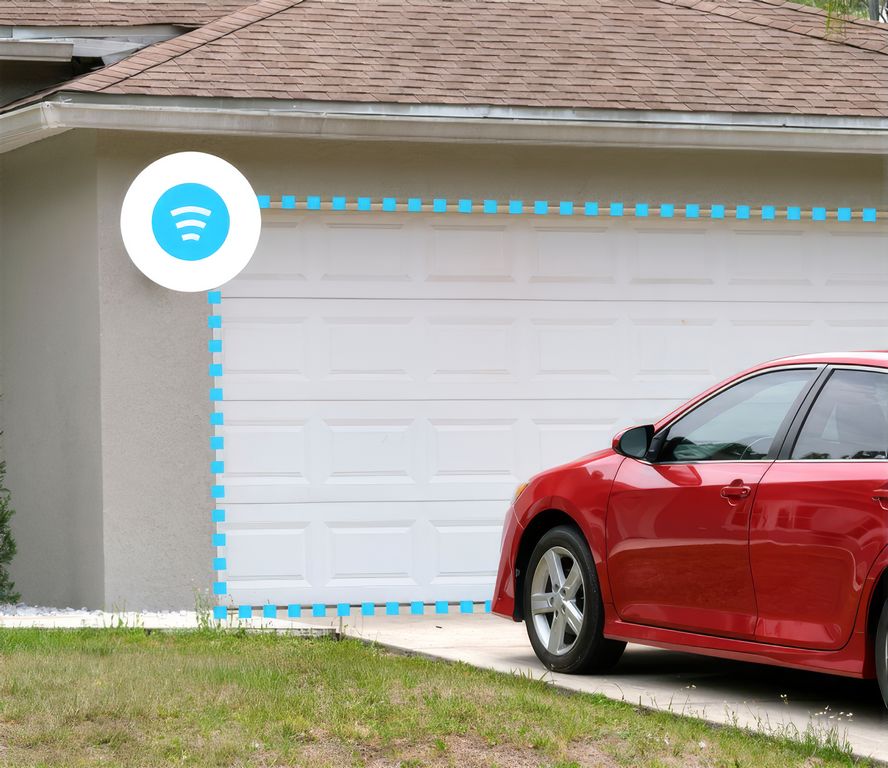
- Garage doors – open the garage door without a separate remote.
- Parking barriers – grant vehicle access using the Tedee app.
If you already use a Tedee GO2 or PRO smart lock, you can control both your apartment door and other compatible entrances from the same app.
Open the door or gate from anywhere
The relay module connects to your local Wi-Fi network and communicates with the Tedee cloud service via the internet.
This allows you to control the connected device even when you are not on-site.
For example, you can open the gate for a guest, courier, or maintenance worker without leaving your home or office.
No separate Tedee Bridge is required, as the relay module has its own Wi-Fi connection.
Share access rights without keys or remotes
In the Tedee app, you can specify who is allowed to open the connected door or gate.
Users can be granted different types of permissions:
- Permanent access – for family members or employees.
- Temporary access – for guests or during maintenance work.
- Time-restricted access – only at specific times or on certain days of the week.
You can modify or revoke permissions at any time if necessary.
This reduces the need to share physical keys, gate remotes, and access cards.
Activity log and management
Through the Tedee app, you can view the relay module’s activity log and check which users have operated the device.
For businesses and larger properties, user permissions can also be managed in the Tedee web-based business portal.
This is practical for offices, rental properties, and other sites where access rights may change frequently.
Add smart control to an existing system
To install the Tedee relay module, you do not necessarily need to replace your existing gate automation, intercom system, or electric lock.
The module is connected to a suitable relay control or electric opening circuit and allows an opening command to be sent to the device.
Existing opening methods, such as buttons and remotes, can remain in use.
The installation location depends on the design of the control system. The module is typically installed inside the housing of the controller or another suitable electrical device, not directly on the door or gate.
Important: The Tedee Smart Relay Module is not a standalone access controller or electric lock. To use it, a compatible electric control circuit or controllable device must already be present.
Installation and connection requirements
The relay module operates on 12–24 V AC/DC power and supports NO and NC type relay switching.
To use the module, you will need:
- A compatible electric lock, gate automation, or control system.
- A compliant power supply.
- A 2.4 GHz Wi-Fi network with a stable internet connection.
- A Tedee user account and mobile app.
If Wi-Fi is unavailable at the installation site, a separate router with mobile internet can be used if necessary.
NB!! An internet connection is mandatory for control via the Tedee app. The module cannot be controlled from the app directly via Bluetooth or local Wi-Fi without internet.
Installation requires making electrical connections and should be entrusted to a qualified installer.
Technical specifications
| Feature | Tedee Smart Relay Module (BleBox) |
|---|---|
| Device type | Smart Wi-Fi relay module |
| Manufacturer | BleBox |
| Control | Tedee mobile app and web-based management |
| Supply voltage | 12–24 V AC/DC |
| Relay switching | NO / NC |
| Supported relay load | Up to 230 V / 5 A |
| Network connection | Wi-Fi |
| Internet connection | Mandatory for control via Tedee |
| Tedee Bridge | Not required |
| Applications | Electric locks, gates, garage doors, and barriers |
| User permissions | Permanent, temporary, and time-restricted |
| Activity log | Yes |
Important to know before purchasing
The compatibility of the Tedee Smart Relay Module depends on the design and connection options of your existing electrical control system.
Consent from the apartment association or manager may be required to modify the control system of a shared door or gate in an apartment building.
If you wish to connect the module to an existing intercom system, gate automation, or access controller, we recommend checking technical compatibility before purchasing.
Manufacturer’s website: BleBox smart relay module | tedee.com
Installation guide (EN): BleBox smart relay module | tedee.com


