


Description
Tedee Dry Contact – connect your smart lock to an existing access control or smart home system
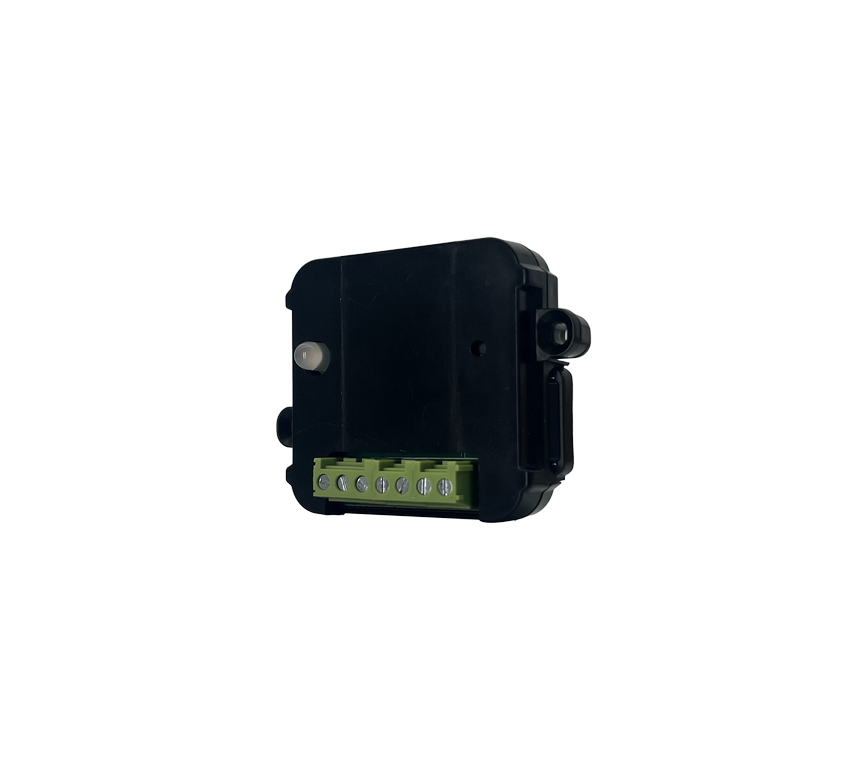
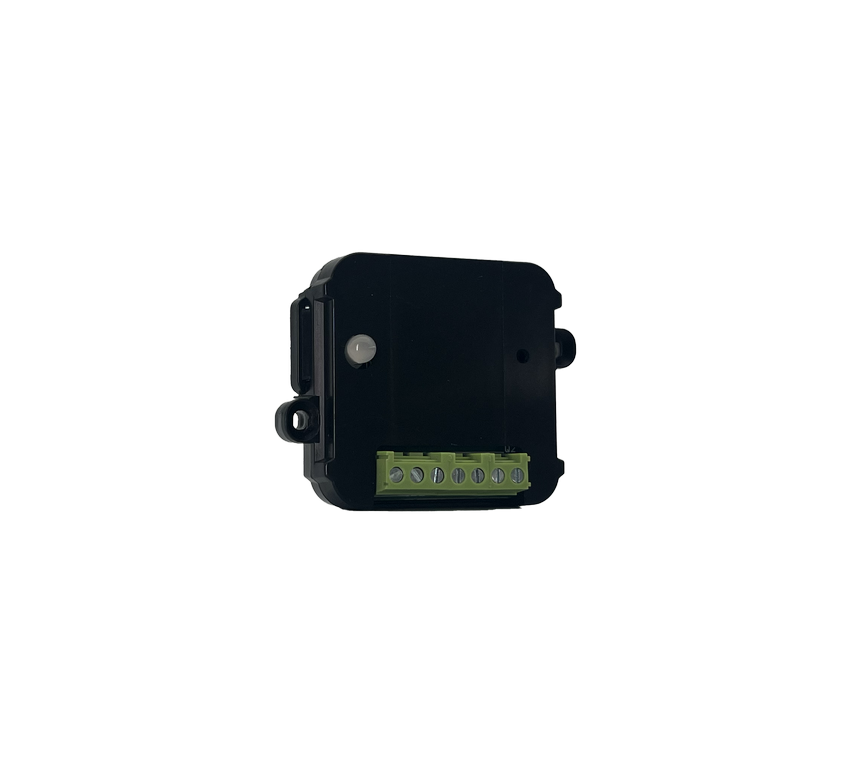
Tedee Dry Contact is a control module that allows you to use Tedee GO2 and Tedee PRO smart locks with existing wired systems.
The module enables the smart lock to be controlled via, for example, an access controller, security system, standard button, or a central smart home control system.
This provides the opportunity to connect a wireless Tedee smart lock to existing automation without complex software integrations or cloud services.
Control the smart lock with an external button or controller
Tedee Dry Contact allows the door to be locked and unlocked with an external electrical control signal.
For example, a button can be installed at an office reception desk that, when pressed, causes the Tedee smart lock to open the entrance door.
Using the same principle, the smart lock can be controlled via an access controller, security system, or other compatible device.
The control signal is transmitted to the control module via wire, and the module sends the unlock or lock command to the Tedee smart lock via Bluetooth.
No Tedee app, Bridge, or internet connection is required for daily operation.
Suitable for integration with various systems
Tedee Dry Contact allows a smart lock to be added to various existing systems.
Examples of use cases:
- Access control systems – open the Tedee smart lock via the access controller’s relay output.
- Security systems – connect the smart lock control to the outputs of a compatible security system.
- Smart home systems – integrate the smart lock with, for example, KNX or another wired automation system.
- Reception desks and offices – open the door for a guest with a simple push of a button.
- Automatic door opening systems – use the module as part of a compatible door automation control.
The module is suitable for situations where you wish to use a Tedee smart lock through an existing control system without the need to develop a separate software integration.
Two inputs and two outputs
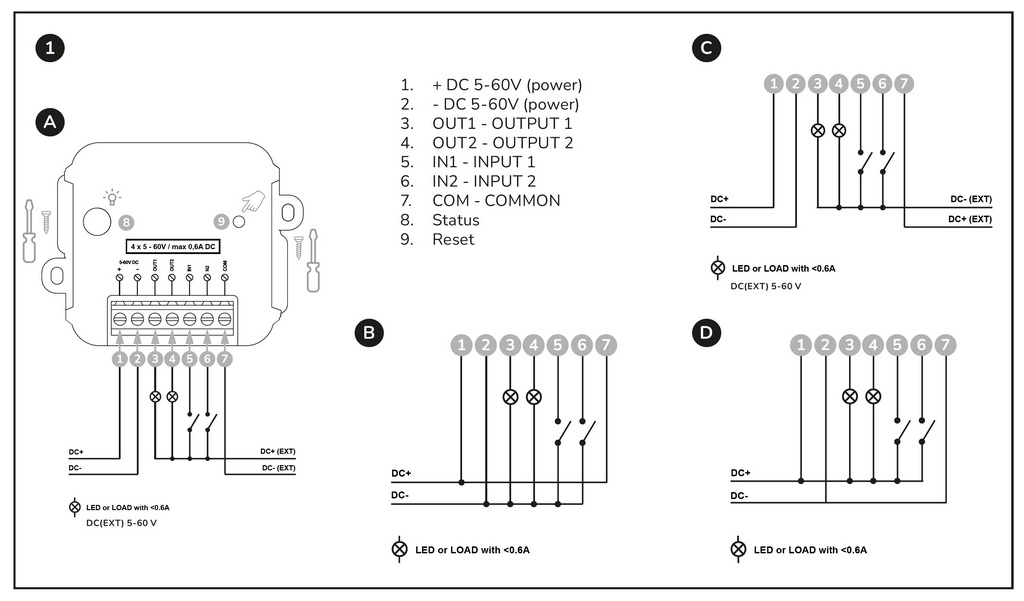
Tedee Dry Contact is equipped with two control inputs and two outputs.
Control inputs:
- Input 1 – for transmitting the smart lock unlock command.
- Input 2 – for transmitting the smart lock lock command.
Outputs:
- Output 1 – provides information on the locked or unlocked status of the smart lock.
- Output 2 – signals when the smart lock requires attention, such as in the case of a low battery, jamming, or calibration needs.
The logic of the inputs and outputs can be configured in the Tedee app according to specific usage needs.
In addition to controlling the lock, this allows its status to be transmitted to an external control system.
Works even without the internet
One of the most significant advantages of Tedee Dry Contact is the ability to use the smart lock via a local control system.
The module communicates directly with the Tedee smart lock via Bluetooth.
After initial setup, no internet connection or Tedee cloud service is required for routine locking and unlocking.
This is well-suited for systems where local control is preferred and reliance on an internet connection needs to be reduced.
A Tedee Bridge is not required to use the Dry Contact, but it can be used in parallel for remote control of the smart lock if desired.
Compatibility with Tedee smart locks
Tedee Dry Contact is compatible with the following smart locks:
- Tedee GO
- Tedee GO2
- Tedee PRO
One Tedee Dry Contact module can control one Tedee smart lock.
If there are multiple smart locks in the system, a separate control module must be installed for each lock.
Installation and setup
Tedee Dry Contact is intended for professional installation.
The module is connected to an external DC power source and the appropriate contacts of the existing control system.
The control module must be installed within the Bluetooth range of the smart lock. The typical range is up to 10 meters, but walls, metal structures, and other obstacles may reduce the connection distance.
We recommend testing the connection before final installation.
Initial pairing of the module with the smart lock and configuration of inputs/outputs is done in the Tedee app. This requires owner or administrator access to the smart lock.
After setup, daily control is performed via the external control system.
Attention! Unlocking via the Tedee Dry Contact control inputs does not use the standard user-based authentication of the Tedee app. Therefore, access to the external control system and its control devices must be properly secured.
Technical specifications
| Feature | Tedee Dry Contact |
|---|---|
| Device type | Wired control module for smart locks |
| Dimensions | 44.5 × 57.5 × 16 mm |
| Supply voltage | 5–60 V DC |
| Control inputs | 2 |
| Input type | NO (normally open) |
| Outputs | 2 |
| Output type | NO (normally open) |
| Wireless connection | Bluetooth Low Energy 5.2 |
| Operating frequency | 2.4 GHz |
| Operating temperature | 0 to +60 °C |
| Operating humidity | 0–90% |
| Housing material | PC + ABS |
| Compatible smart locks | Tedee GO, GO2 and PRO |
| Tedee Bridge | Not required |
| Internet connection | Not required for daily operation |
| Number of controllable smart locks | 1 |
Set includes
- Tedee Dry Contact control module
- Installation and user documentation
External power supply and Tedee smart lock are not included.
Is the Tedee smart lock compatible with your door?
If you are planning to install a Tedee GO2 or PRO smart lock, please refer to our guide “Can a Tedee smart lock be installed on my door?”.
The guide will help you check the compatibility of your existing lock and choose the correct installation accessories.
Manufacturer’s website: Control Your Smart Lock with Tedee Dry Contact
Installation guide (EN): Tedee Dry Contact | tedee.com


